01 / ORGANIZE
Executive
Assistant
Walk into your next meeting prepared. Turn your notes into a brief and a clear list of next steps.
Bring thisMeeting notes or an agenda.
 MEET YOUR NEXT HIRE
Pull up a chair. We’ll start with one useful job.
It’s time to focus on the things that make you money and hand off those $10-an-hour tasks to AI. You’ve got better things to do than babysit an inbox, chase follow-ups, and keep track of every referral.
3 AI employees · 9 shared skills
21 training prompts · 11-page guide
AI app subscriptions sold separately.
Your Executive Assistant, Content Multiplier, and Money Finder are all in one folder. Start with the job you need most.
ZIP FILE · ALL THREE EMPLOYEES · 210 KB
Then, start your employee’s first shiftOpen your daily training guideI started this business six months ago, and it has already generated just under $50,000 in revenue. I run seven AI employees across my marketing and operations. This is how I train them: one clear job, real business context, and feedback that makes the next result better.
XOXO, Karima DigitalMy business results are my own, not a promise of what the kit will earn you.
Give one a clear job.
Train the others when you’re ready.
Walk into your next meeting prepared. Turn your notes into a brief and a clear list of next steps.
Give an existing idea another life. Turn your posts, notes, or transcript into drafts in your voice.
Find current opportunities worth a closer look, from grants to speaking, using your business criteria.
This kit is for the founder carrying the admin, the content, and the opportunity search. Bring one recurring task, a real example, and time to review the first result. Your employee needs your business Brain and training to become useful.
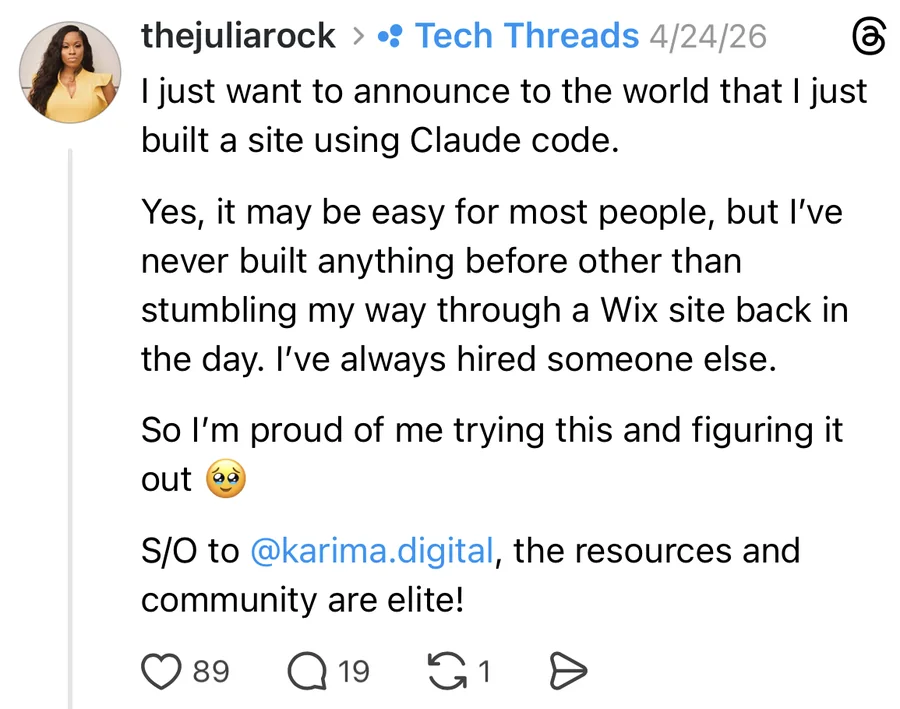
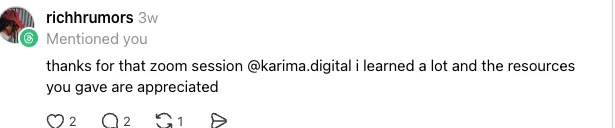
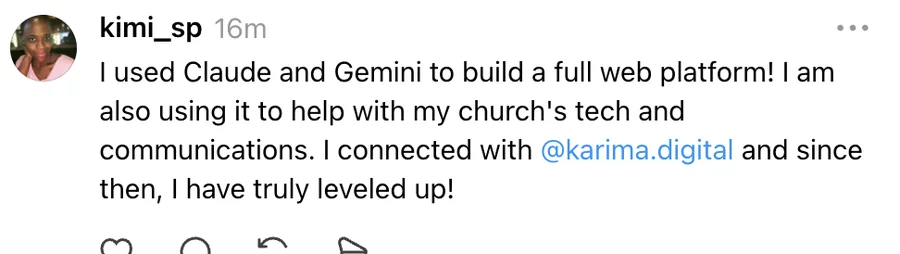
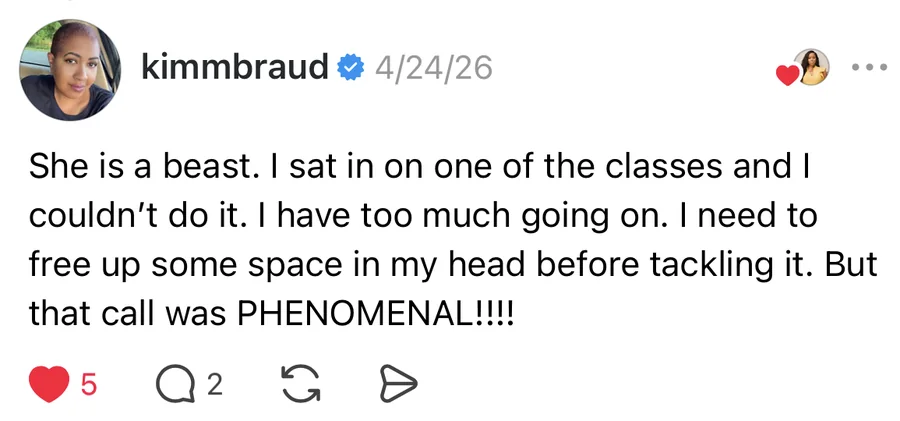
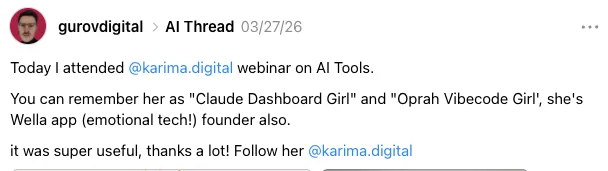
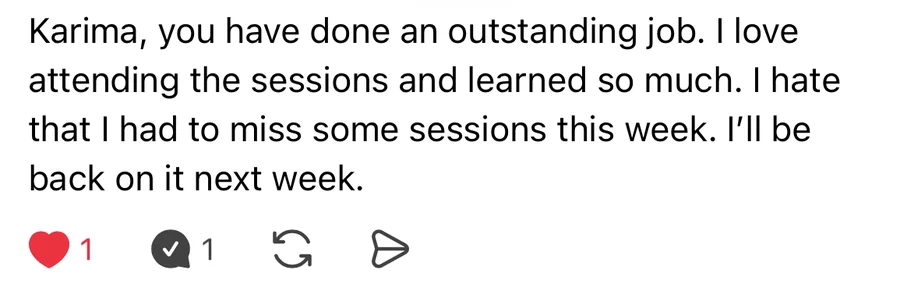
Real notes from my classes and community.
Open a screenshot to read it in full.
 Open full screenshot in a new tab
 Open full screenshot in a new tab
 Open full screenshot in a new tab
 Open full screenshot in a new tab
 Open full screenshot in a new tab
 Open full screenshot in a new tab
 Open full screenshot in a new tab
 Open full screenshot in a new tab
 Open full screenshot in a new tab
These screenshots describe experiences with Karima’s teaching and community. They are not reviews of this starter-kit download.

I’m Karima Williams. I’ve spent ten years as a startup operator and marketer, and I build AI employees for my business and other founders.
This kit brings that process to you: give your employee a clear job, teach it your business, and train it on real work. You don’t need to become a developer. You need to know what you want off your plate.
Aim for a useful first result in about an hour once your AI app is ready. Setup time varies. A stronger AI model, clearer business context, and better examples can improve the work.
There is no installer to run. You open the prepared folder in your AI app, send one message, and the employee interviews you.
You only need one. Choose Codex or Claude Code to see the directions for your app. Its subscription is separate from this kit.
Choose your app above to begin.
Open this app’s official setup guide ↗One ZIP includes all three employees. On a Mac, double-click it. On Windows, right-click and choose Extract All. Keep the expanded folder somewhere easy to find, such as Documents.
Once you choose an app above, its folder instructions will appear here.
You’re ready when you can see START-HERE.md and AGENTS.md inside the folder. Keep all its contents together, including the hidden folders. No GitHub account needed.
Start a new task in that project and paste this message.
Start my employee. Read AGENTS.md and .agents/skills/start-my-employee/SKILL.md. Guide me through setup with example answers, save my progress, and help me finish one real assignment. Ask only what is missing.
Your employee first checks your app, walks you through the connections you need, and helps configure your daily training check-in. You choose Slack, email or app notifications, where supported, and authorize the time and destination. It verifies the setup before calling it active. Then you build its Brain and start the first assignment.
Try: “I need my Executive Assistant to turn these meeting notes into a brief, action items, and a follow-up draft.” Bring your notes and one example you like. The interview includes sample answers; you can choose your employee’s conversation style, too.
Need a break? Say “pause setup.” Come back to the same project and say “continue setup.”
Check the saved work, especially facts, names, and promises. Tell your employee what to change. For an ongoing preference, say “save this as a rule,” then let it repair and retest the result.
First shift complete: one useful result you’ve reviewed, a saved Brain, and a clear next assignment.
Tomorrow, say “Continue my training.” Follow seven sessions for your chosen employee in the daily guide inside your office, or use the printable copy in your ZIP. Your coaching check-in helps you return; a separate business-work schedule comes after the first job is reliable. Downloading the folder alone does not activate either schedule.
Read a lesson here and copy its prompt into your employee’s AI app. Or say “Continue my training” there. Your employee saves its working progress in that project; this page is your reference guide.
You’ll get a link sent to the email you use at checkout.
Yes. You’ll choose your AI app, open your employee folder, and copy in the first message. The guided interview takes it from there, with plain-English questions and example answers.
If you have admin to organize, content to create, or opportunities to research, you have a place to start. The Brain Builder helps your employee learn your business, your voice, and how you like things done.
Set aside about an hour for your first assignment once your AI app is ready. Start with one employee and one real task. Some setups take longer, and the daily training helps you improve the results over time.
Choose Codex or Claude Code. You only need one, and the kit walks you through either option. Your AI app subscription is separate from the kit.
No. You have written directions, a guided interview, and daily training prompts. Your employee walks you through setup one step at a time.
Yes. One download includes the Executive Assistant, Content Multiplier, and Money Finder, plus the shared skills and training guide. Start with the one you need most.
During setup, your employee helps you arrange a daily training reminder. You choose the time and where it reaches you, then test it together. Available options depend on your AI app.
Tell your employee, “Help me with the step I’m on.” It can use your saved progress to help you continue. For purchase or access help, reply to your purchase email.
Check the email address you used at checkout, including spam and promotions. Still stuck? Email hello@karima.digital with your order details so we can help you get back in.
Choose Log out at the top of the page, beside the Day shift or Night shift button. Your downloaded files stay yours.